Short answer
A payment link starts an approved payment journey without requiring the merchant to build a full payment form. The business still needs project review, order accounting, a verified server status and reconciliation.
- Create a separate link for a specific order.
- Send links only through approved customer channels.
- Do not treat page opening as payment confirmation.
- Store purpose, amount, status and order relationship.
How a payment link works
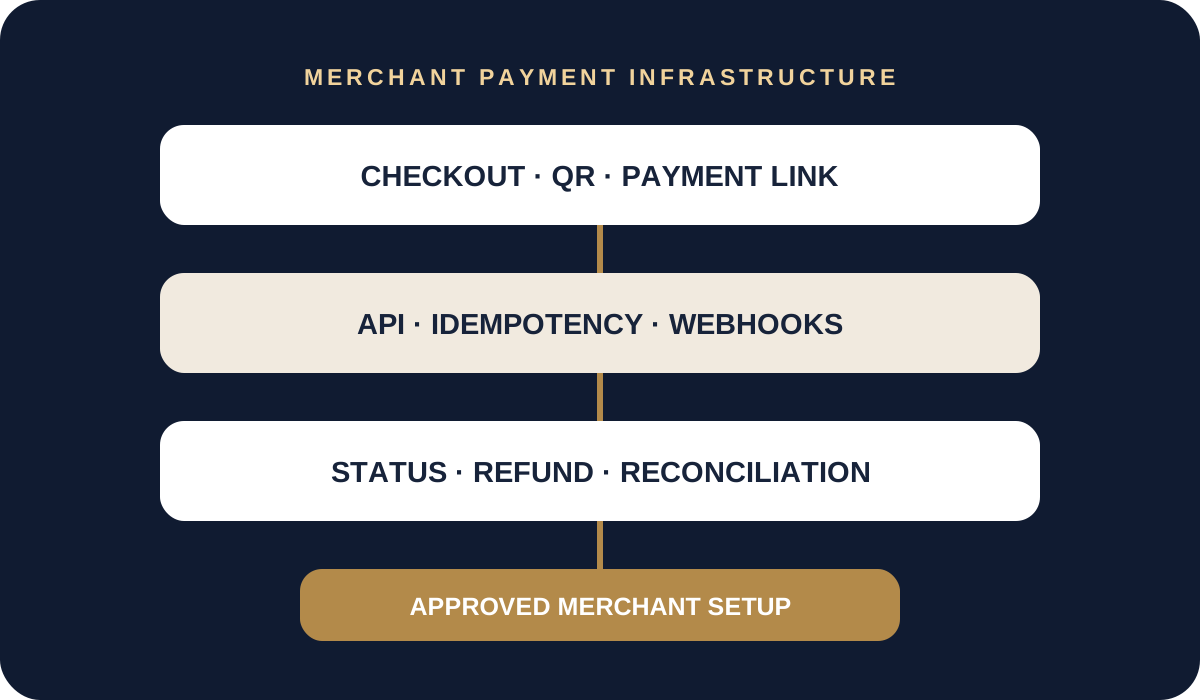
The merchant creates a payment through a dashboard or API and receives a unique URL. The customer opens the page, selects an available payment method and confirms the transaction. The final status appears in the dashboard and, when integrated, on the merchant server.
A link may be used on a website, in an application, on an invoice or in a support conversation where that channel is approved. It is useful when a full checkout is unnecessary or an order is prepared by a manager.
What to connect to the order
Each link should relate to a clear order or invoice. The merchant system should retain its internal number, payment identifier, amount, currency, expiry, current status and last verification time.
Do not expose personal or confidential data in the URL. If a customer reopens a link, the system should show the current result rather than trigger duplicate delivery.
- order and payment identifiers;
- amount and payment purpose;
- expiry time;
- server-side status;
- register entry and related refund.
Security and customer communication
Use HTTPS, consistent branding and a clear seller name. The customer should understand what is being purchased, the amount, how to contact support and what happens after confirmation.
Do not shorten payment URLs through unknown services or ask the buyer for bank verification codes. Support staff should be able to check status without requesting sensitive data.
When to use an API
For occasional invoices, links may be created manually in a dashboard. At scale, create them through an API, connect them automatically to orders and receive webhooks. This reduces manual error and improves reconciliation.
Available payment methods, limits and refunds are defined for the approved merchant in the contract and documentation.
How to connect payment links
Specify where the customer receives the link: a website, app, invoice or conversation. Describe who creates the order and how successful payment is verified. Channels, methods, limits and settlements are agreed after business review.
An order payment link belongs to a payment flow with an identifier, amount and status. Use server-side confirmation for automatic fulfilment; define who checks the merchant dashboard when processing manually.
Questions and answers
Can a payment link be sent in a messenger?
Yes, where the channel and flow are approved. The customer must be able to identify the seller, purpose and amount.
Does opening the link confirm payment?
No. The final transaction status confirms payment.
Can one link be used for multiple orders?
For automated accounting, creating a separate payment for each order is safer.
Sources and policies
We use official payment-system information and WHITECAPITAL policies. Contractual documents prevail for an individual merchant setup.
This material is for operational orientation and is not a promise of approval, universal method availability, a fixed fee or settlement timing.